Flow Expression Calculations
Evaluating a Script expression that does not match any variables
Problem
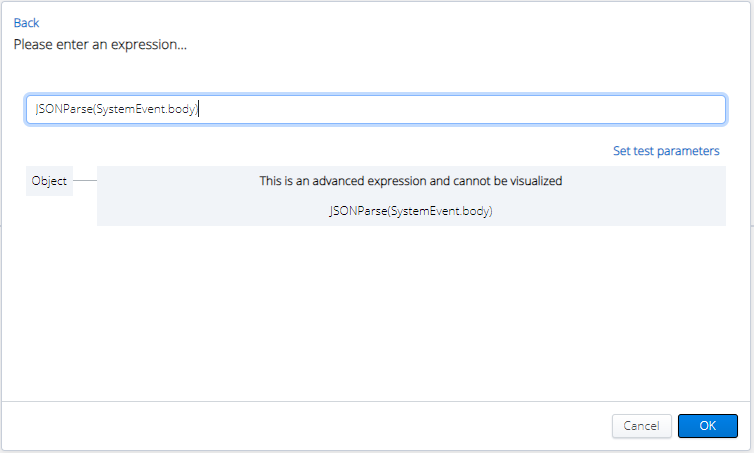
When the workflow engine calculates these values, it uses a third-party library called Filtrex to evaluate the value replacement and mathematical calculations. One of the side effects of the library is the scenario where an expression is entered and calculated but nothing has been found to replace the value with. An example of this would be the following:
Object = {
prop1: 'this is my first property'
}
Expression = 'Object.prop2'
Solution
In this scenario, prop2 is not defined within Object.
When the flow runs, the returned value of this expression will be ‘Object.prop2’.
This may seem counter intuitive for administrators who have a developer background, as other software languages equate this invalid expression with null.
Using synchronous webhooks to return custom payload
Problem
When using a webhook to return a customized body, if your output name is Body, that will override the default payload as shown below:
{
"example": "value"
}
Solution
If you would like to return a custom value instead of the default payload, you can’t use the reserved output name “Body”. Use another name for the output, for example, "Response".
{
	"workerId": "f4b7bbd3-3a15-498c-96a1-90d7d11784ca",
	"outputs": {
		"Response": {
			"example": "testvalue"
			}
		 },
	"_links": {
		"self": "/2017-09-01/activities/b65d53f0-bb30-447b-b48f-866800591e42/workers/f4b7bbd3-3a15-498c-96a1-90d7d11784ca"
	}
}- Workflow being executed did not have a worker id, for example, https://workflow.us.dev.api.mitel.io/2017-09-01/webhooks/accounts/{{accountId}}/activities/{flowId}}/workers/{{workerId}}
- workerId - can be found in the response payload of the initial call
- accountId / flowId - refer to the Debug section.
- The workflow has already been completed. To verify, refer to the Running section.